Charts and shares
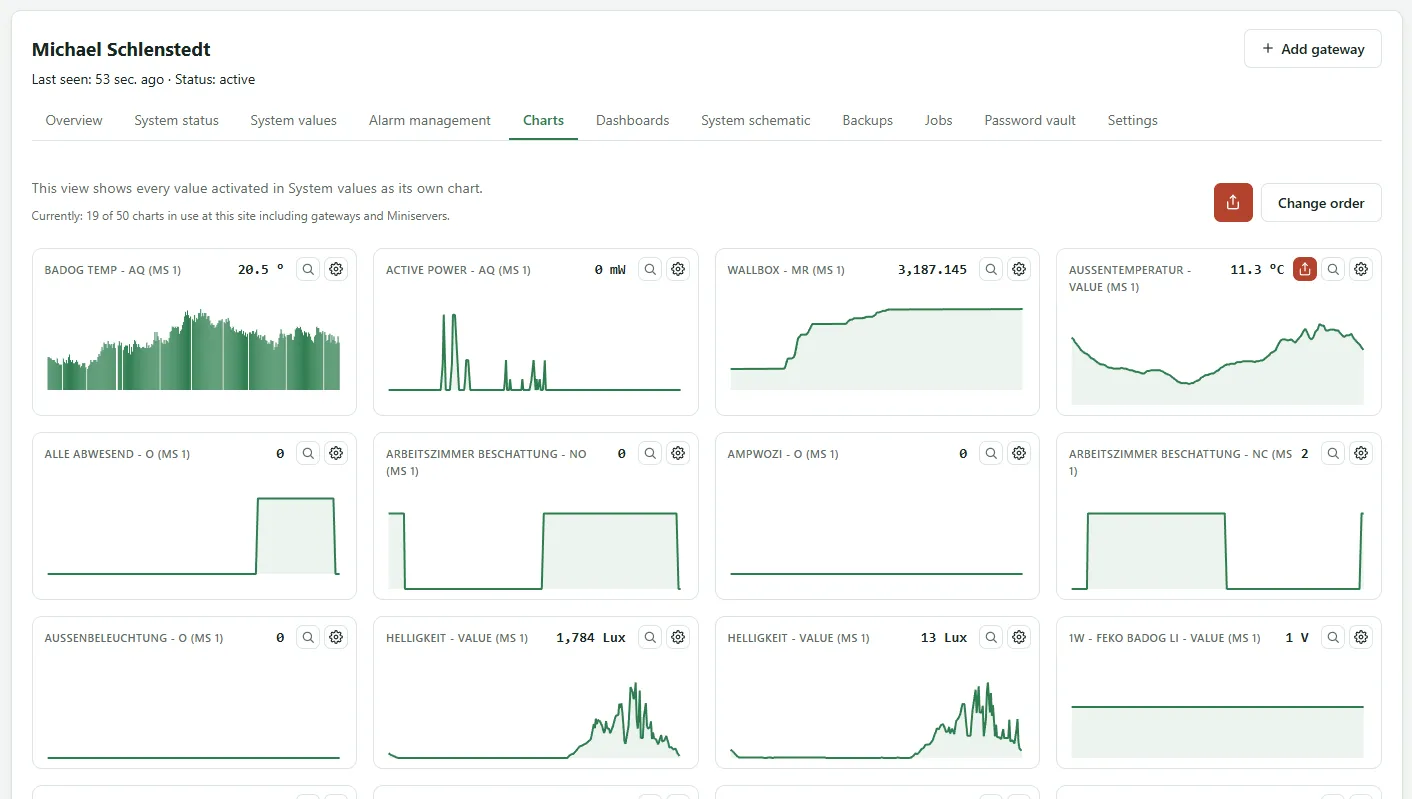
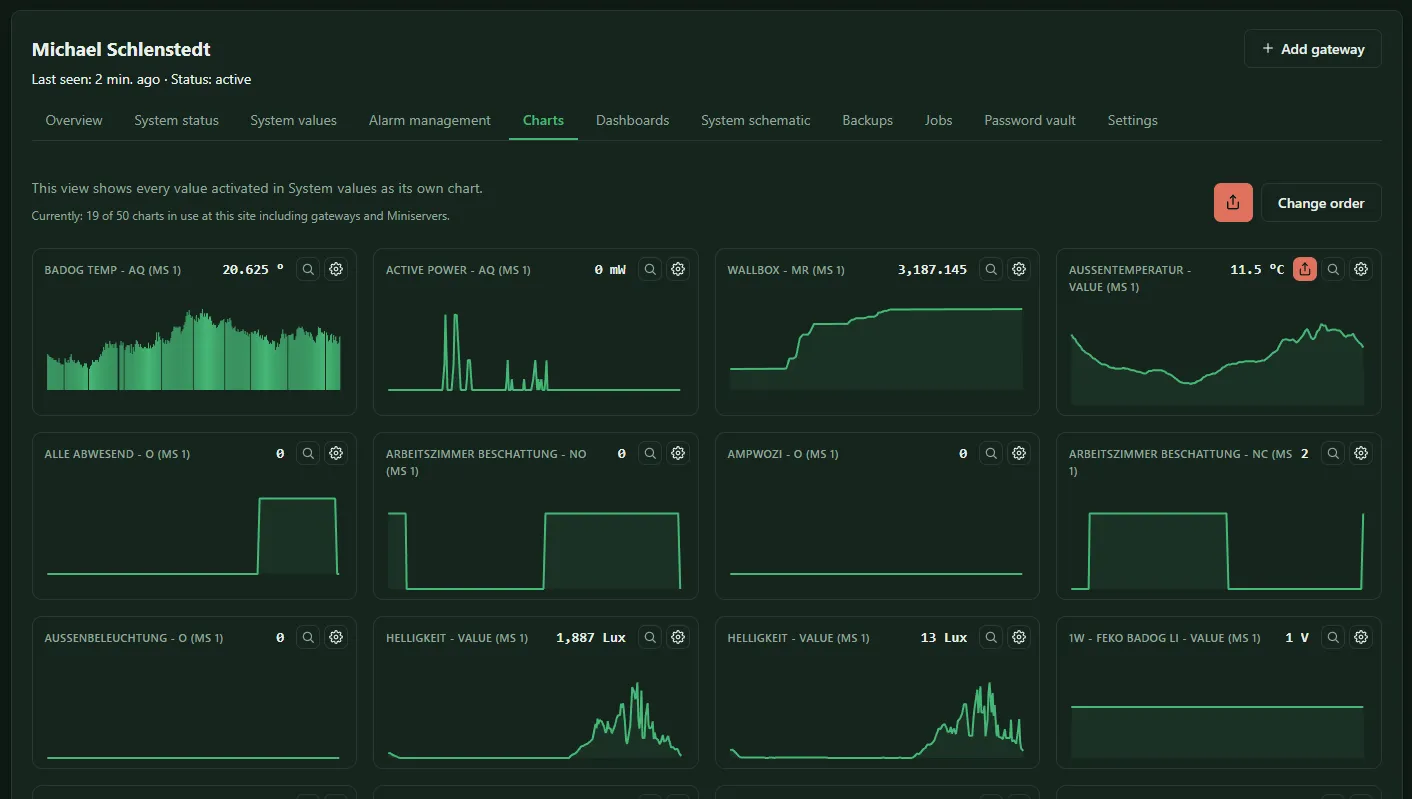
The Charts tab on a Miniserver’s device page shows every activated system value as a chart of its own. Above the charts you see how many charts are used at this site and how many your license allows; every activated system value counts as one chart.
Adjusting charts
Section titled “Adjusting charts”The gear of a chart (Configure chart) lets you set:
- Chart type: Line or Bar
- Value (hourly): Average or Maximum per hour
- Unit: the unit shown on the axis. If the Miniserver reports a unit itself, it is displayed; you can override it.
Change order sorts the charts: drag a row with the mouse, on phones and tablets by the handle on the left. With the keyboard, move the focus to the handle; the arrow keys move the row, Home and End to the start or the end. Open full view shows a chart full screen, with zoom, period selection and export as in a Miniserver’s history.
Shares
Section titled “Shares”You can pass on a chart, a dashboard or a system schematic by link, for example to a customer or colleague. Share links are available from the Silver license tier. With the Free Community Edition the settings open locked, with a notice at the top; a link from before can still be deleted there.
The Share button opens the settings:
| Setting | Options |
|---|---|
| Access | Login required or Anyone with the link |
| View on open | 24 h or Hourly values |
| Zoom range | the period the recipient sees first |
| Valid for | 1 hour, 1 day, 1 week, 1 month or Unlimited |
| Appearance | Light or Dark |
Create share creates the link. An active share is marked in the interface. Delete share invalidates the link immediately, Delete all shares all links of a Miniserver or site.
The page behind the link appears in the language of the browser that opens it; if that is neither German nor English, in English. Signed-in users see it in the language of their profile. This also applies to the state texts in the system schema, such as Shut and Opened, as long as they come from the predefined list; texts typed in by hand stay as they are.
If the license for a feature is missing later, a share link only shows a notice instead of the values.