Features
Everything you need to maintain the Loxone installations you look after – in one interface.
Fleet overview
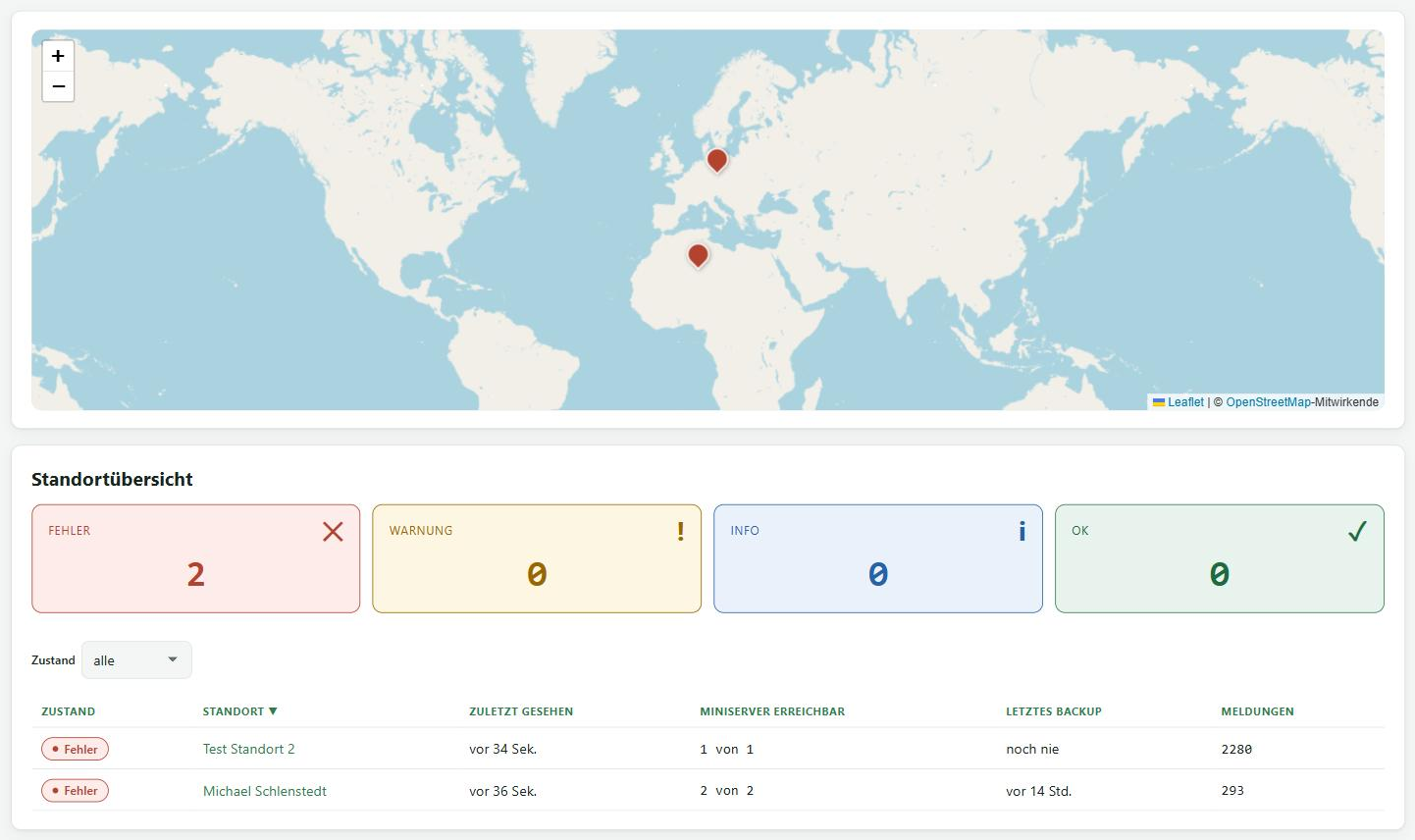
All sites on one page, with a map and one status per site. You see at once which site has not reported for more than 15 minutes, where the last backup is older than two days, which Miniserver is unreachable and where events are open.
The overview gives the reasons instead of just showing a traffic light.

Miniserver and LoxBerry at a glance
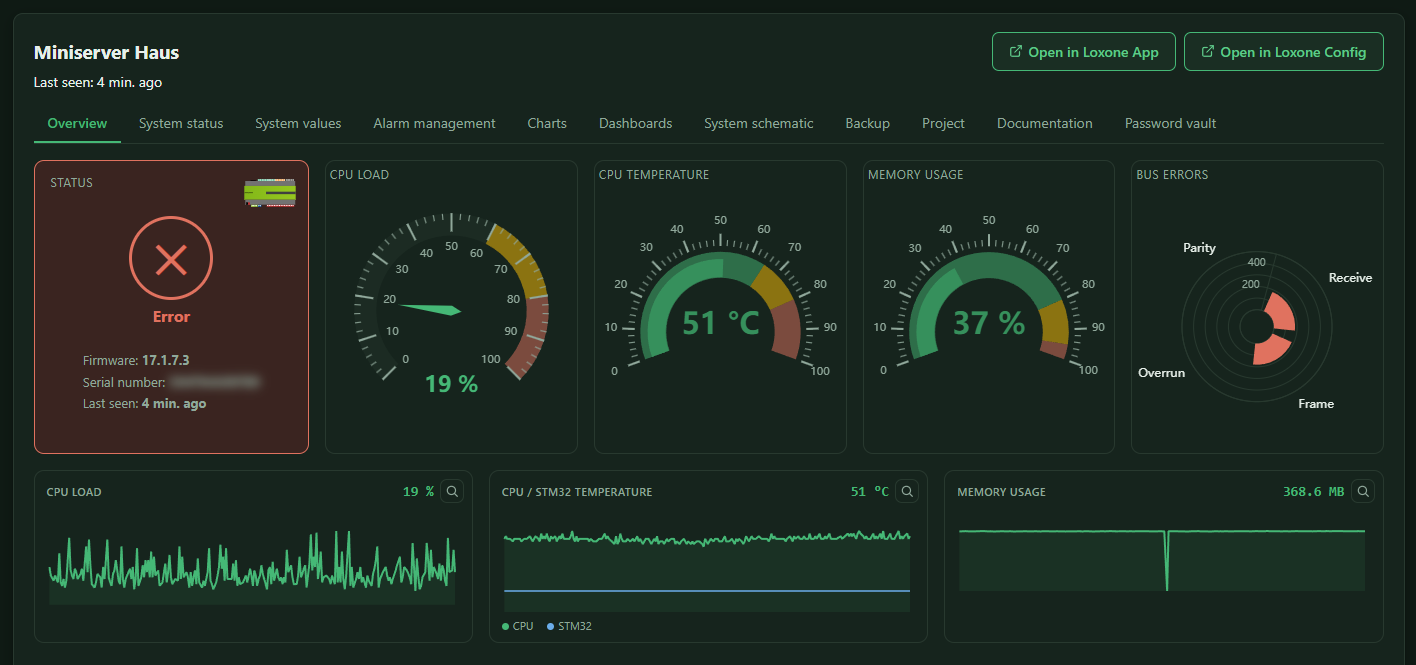
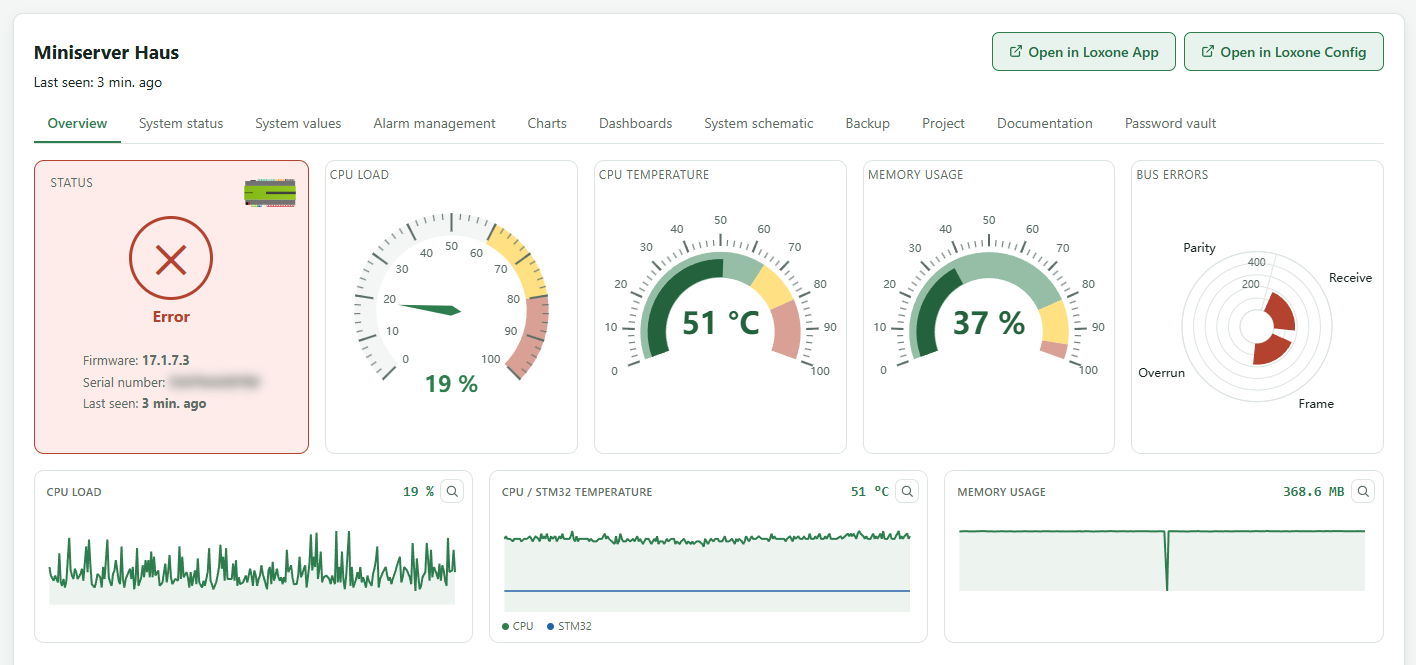
CPU load, memory, temperature, bus errors and system load of every Miniserver, live and as history over days. Events from the device log end up in the system status, where you filter, acknowledge and delete them.
The device status shows all Tree and Air devices with version, online state and battery level.
Automatic backups
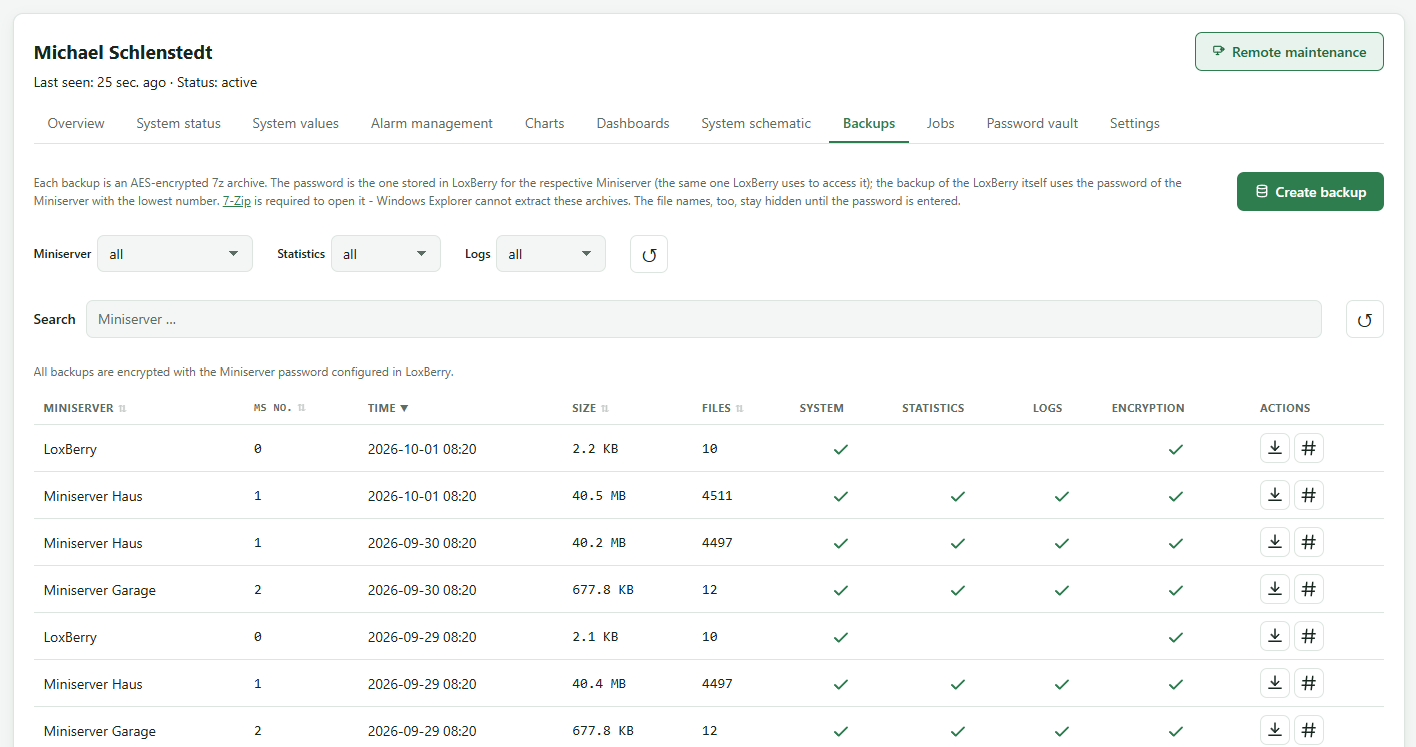
The LoxBerry backs up every Miniserver on your schedule, and only when something has changed. Every backup is an AES-encrypted 7z archive, optionally with statistics and log files. You decide how many backups are retained.
The plugin on the LoxBerry backs itself up too. Downloading takes one click, checksum included.

Remote maintenance
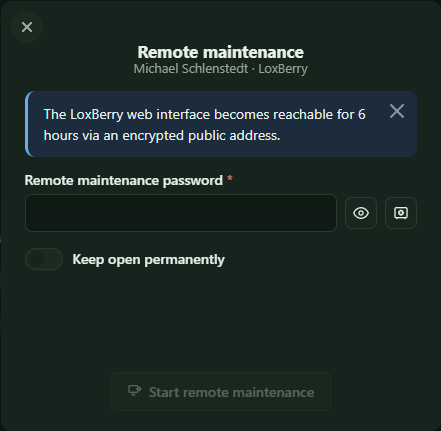
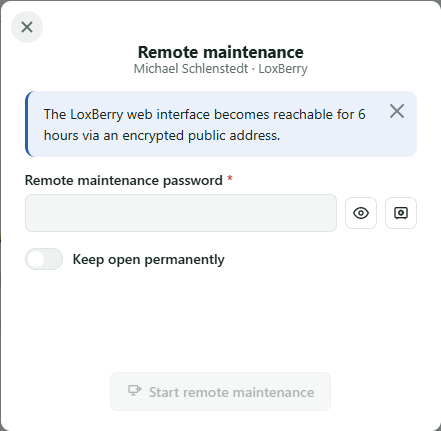
One click opens a Miniserver in the Loxone App or in Loxone Config. You reach the LoxBerry through an encrypted address, without an open port at the customer’s.
Remote maintenance only opens with the password the customer set on their LoxBerry. The customer can block it at any time, and it closes by itself after 6 hours.
Alarms
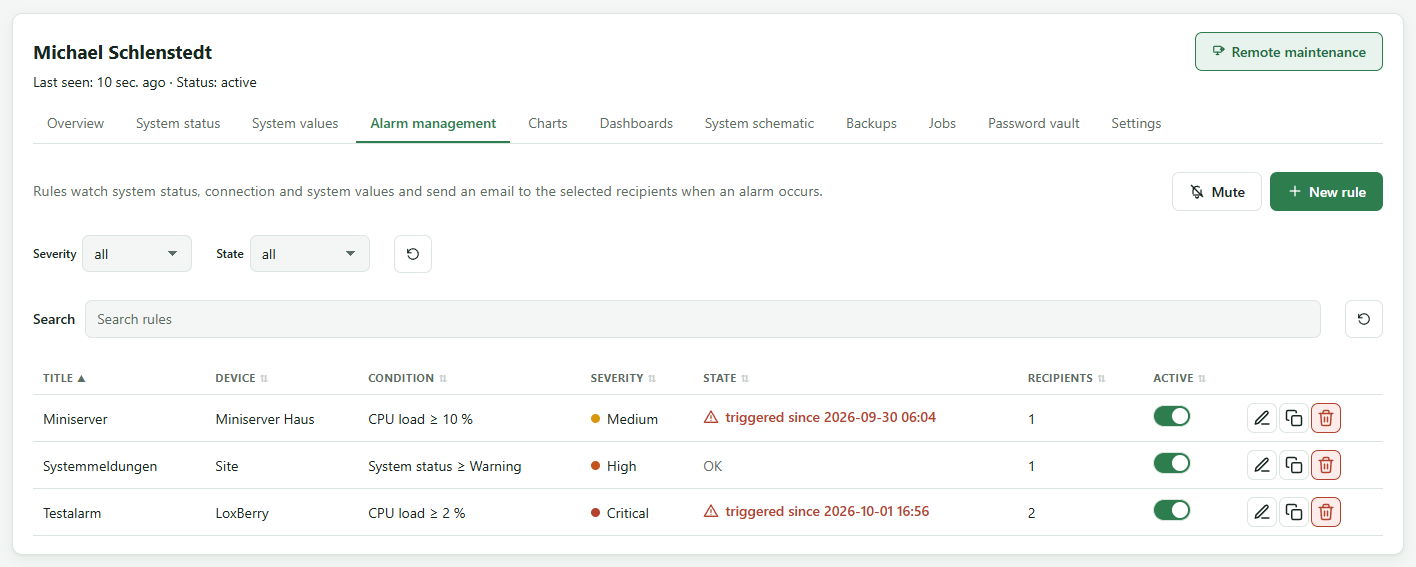
Rules watch system status, connection and values, from a single Miniserver up to the whole site. You set the threshold, minimum duration and severity and choose the recipients: roles, users or any email address, including the customer.
Reminder, all-clear and quiet time are set per rule; several alarms arrive bundled in one email. For work on site, you mute a site.

Charts
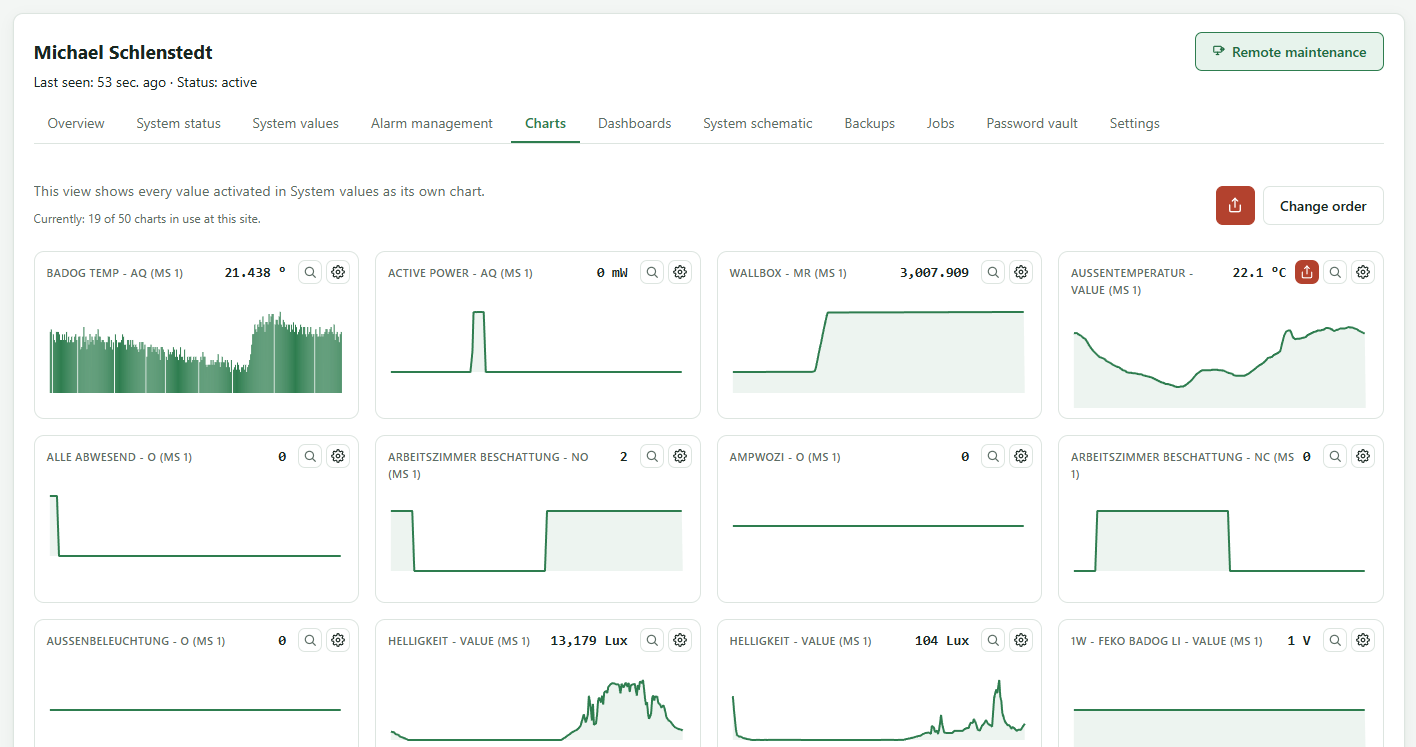
Pick outputs of blocks directly from a Miniserver’s program, such as temperatures, meter readings or states. SmartFleet records them every five minutes and keeps them for up to three years, depending on the tier.
Every value becomes a chart, with zoom, export as CSV or image and sharing by link.

Dashboards
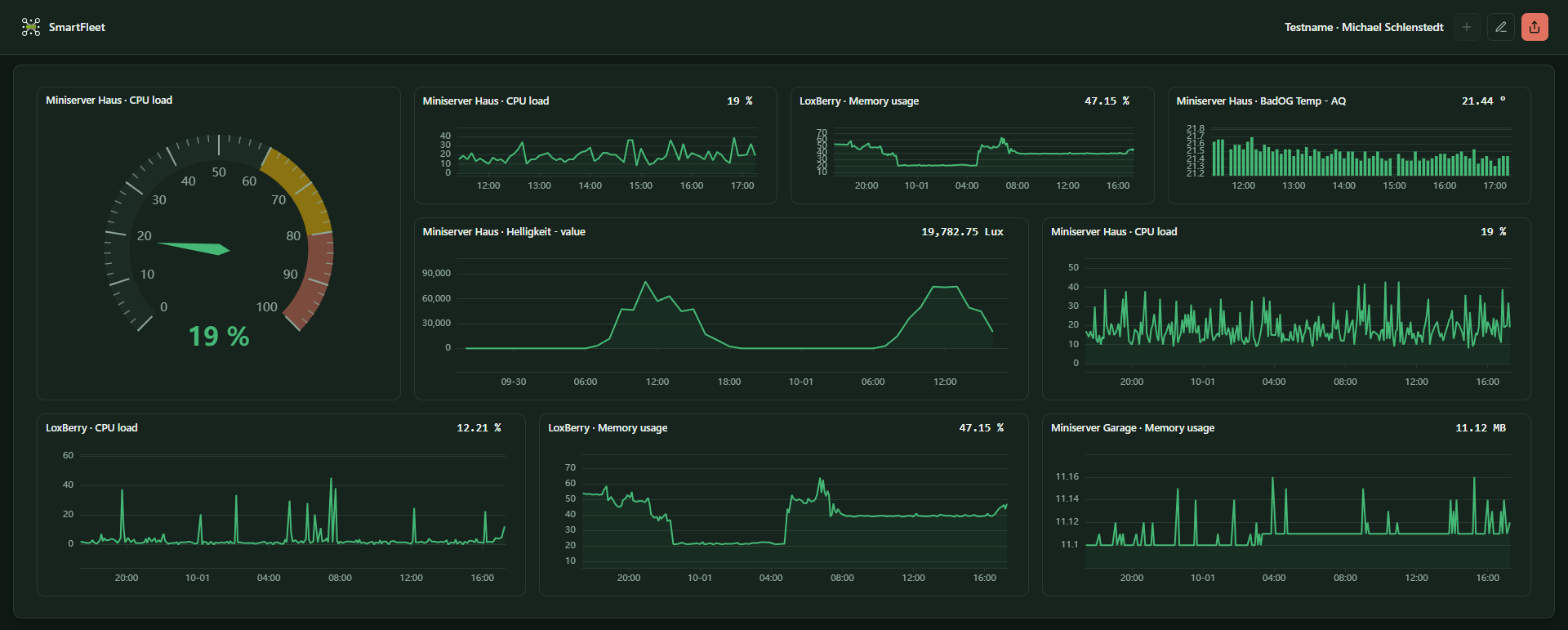
Your own views made of charts, gauges and device states, freely arranged and updated every minute.
Share a dashboard with customers or colleagues by link, with or without sign-in and with an expiry date if you like.

System schematic
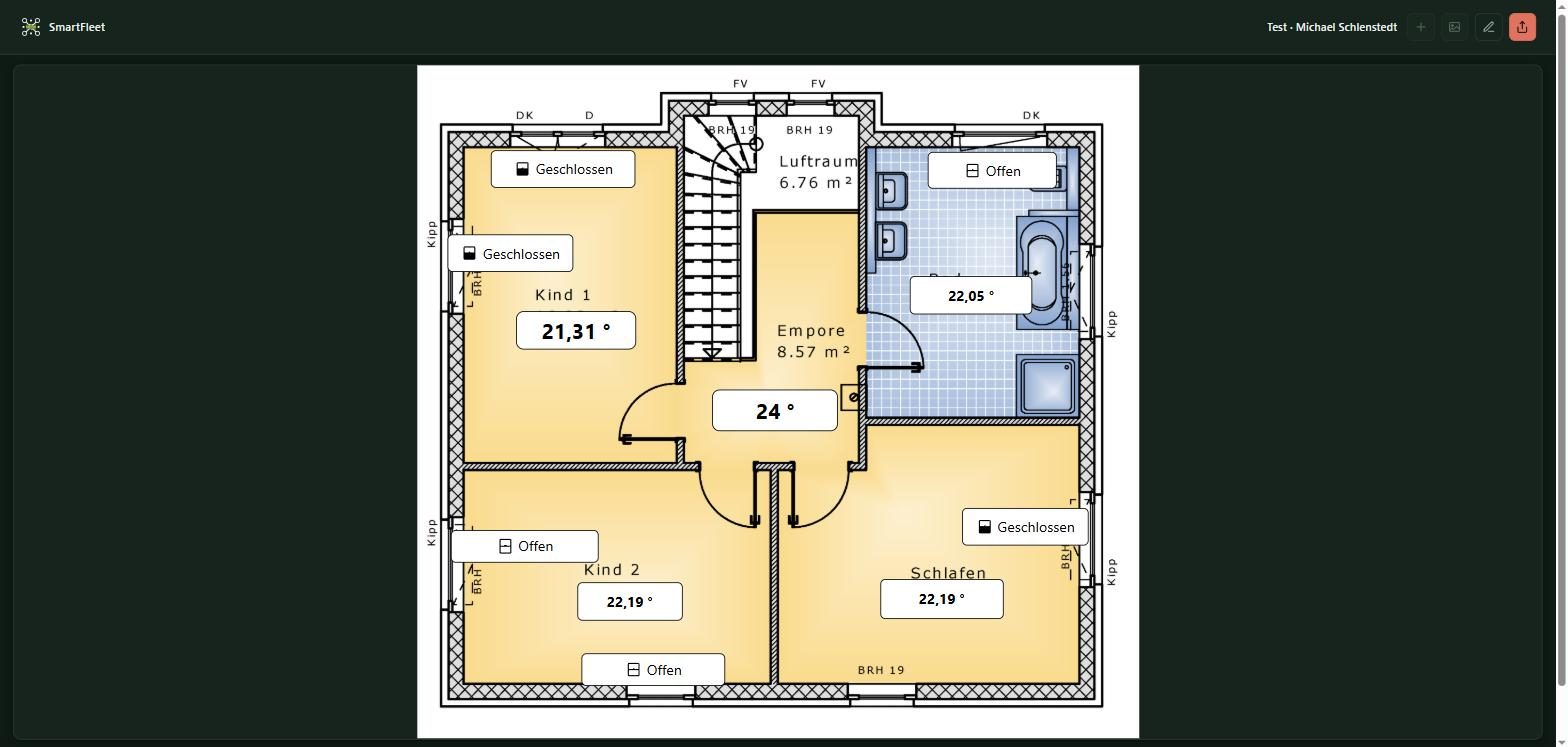
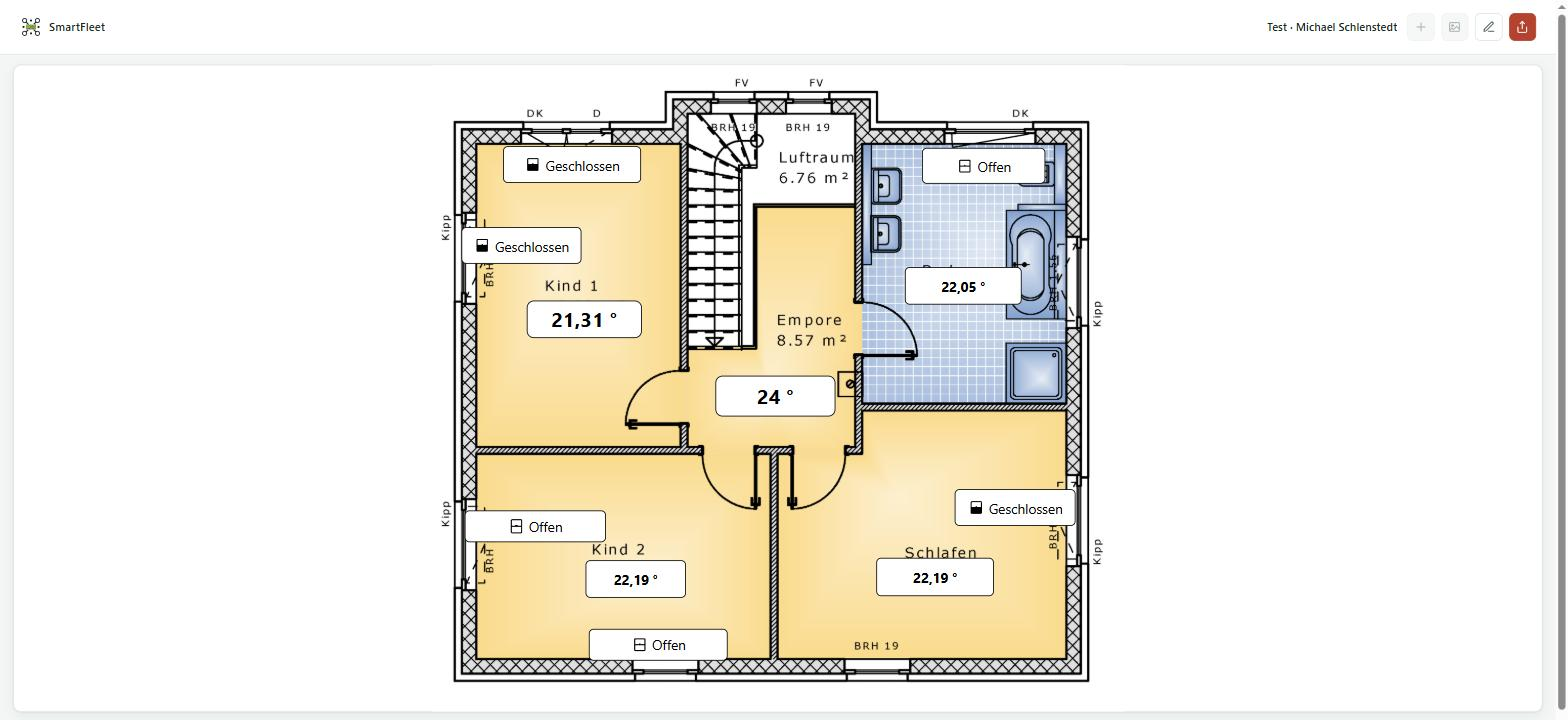
Upload a floor plan, a heating diagram or a photo of the control cabinet and place live values, labels and symbols exactly where they sit in the installation.
The schematic shows states like open or closed in words and symbols, links lead to further schematics and dashboards.
Project and system documentation
After every program update the LoxBerry fetches the current project file from the Miniserver. Alongside it you manage your own project files, with check-out and check-in so colleagues do not overwrite each other’s work.
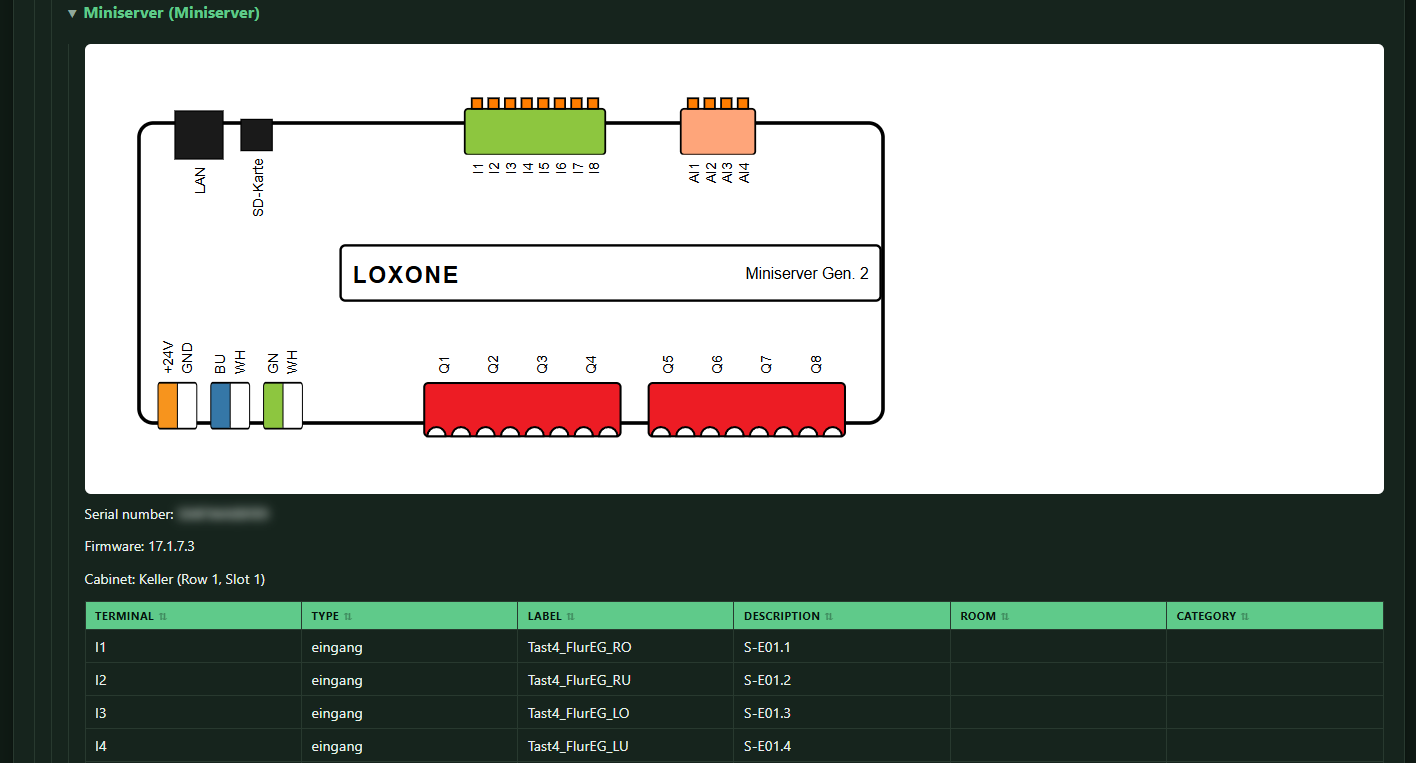
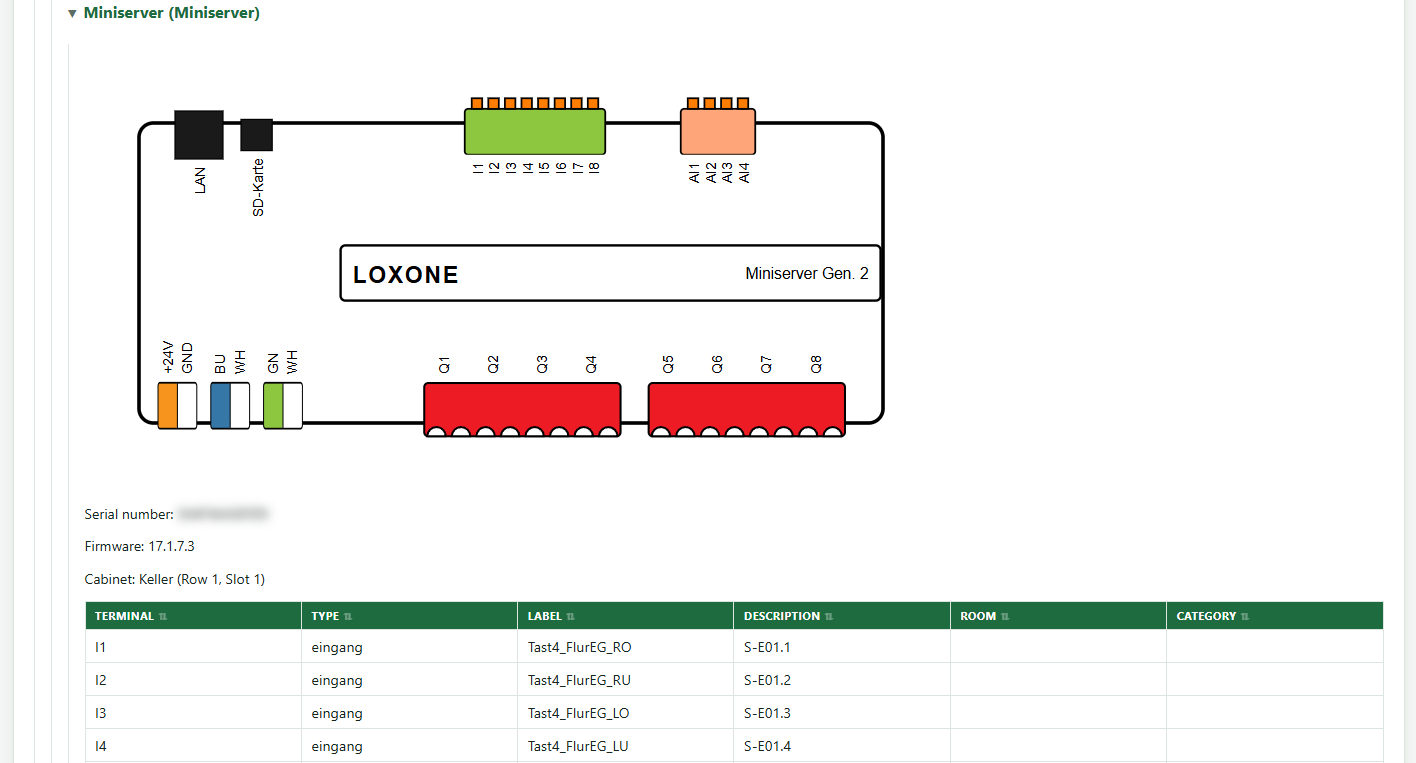
A system documentation is generated automatically from the program, with a sketch of every device and its terminal assignment, as PDF, Excel, HTML or Markdown and always on the state that is actually running.
Password vault
Credentials per site, encrypted and decrypted only in your browser, with a master password that never leaves the browser. The server only stores ciphertext.
If the customer agrees, the LoxBerry transfers the Miniserver passwords and the remote maintenance password itself, encrypted before they leave it.

Users, roles and sign-in
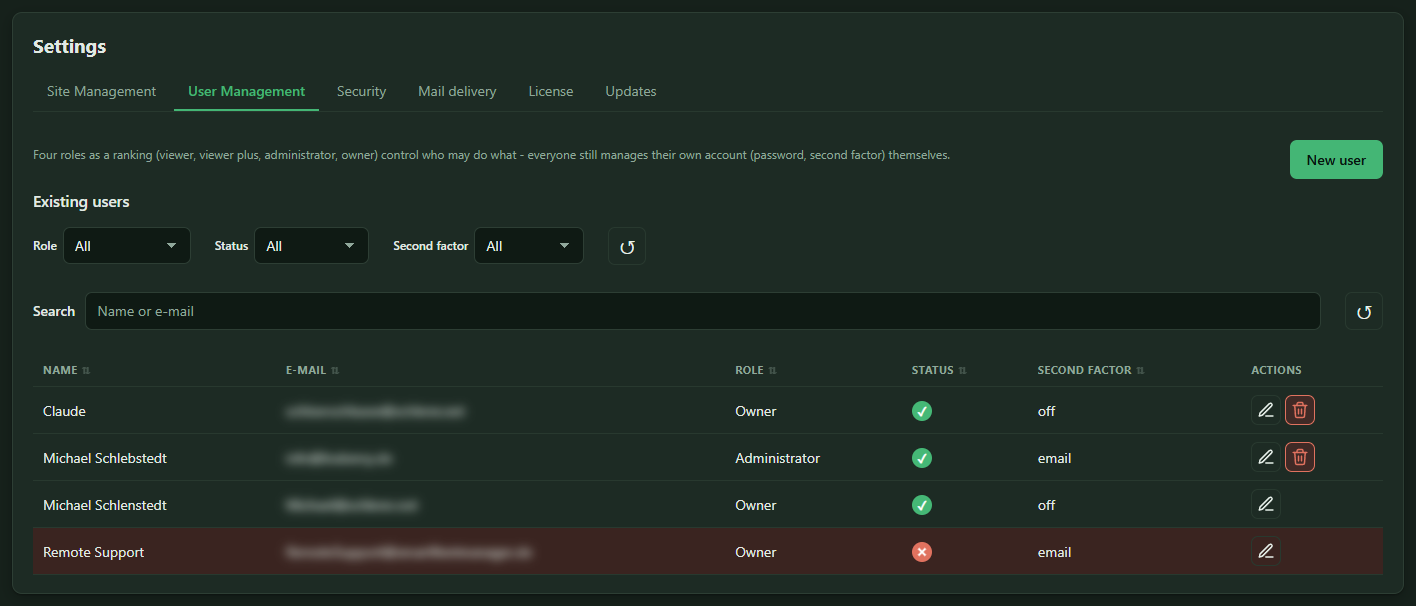
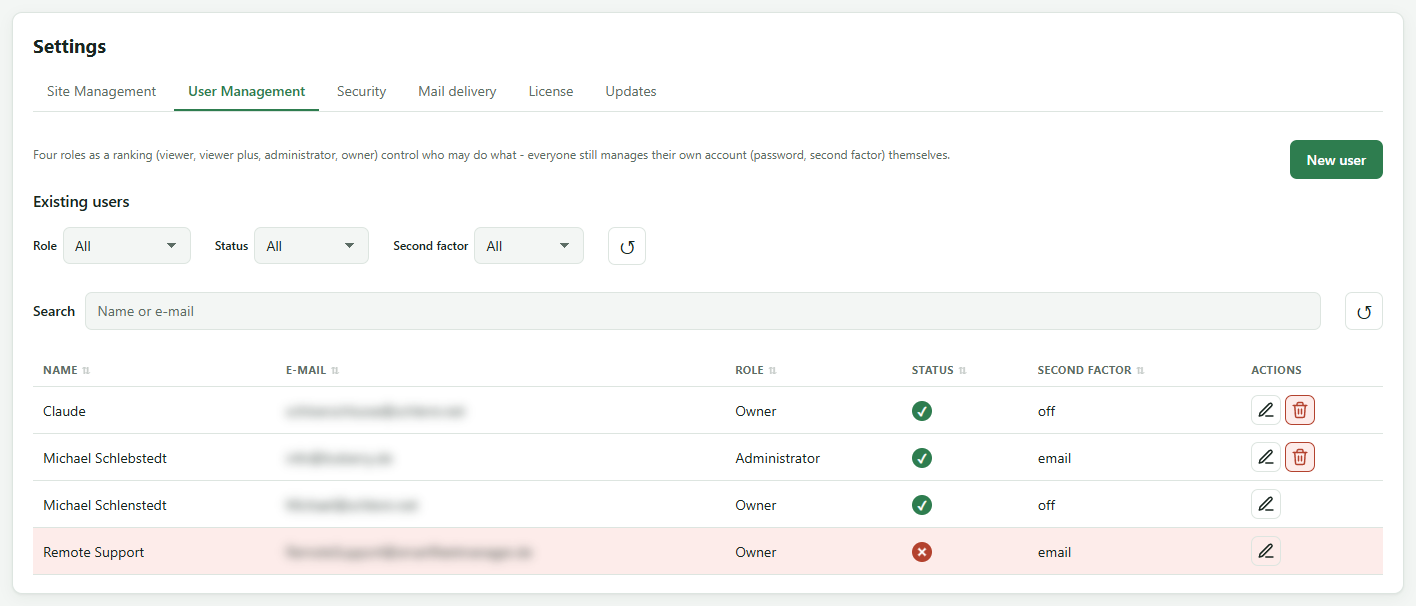
Four roles, Viewer, Viewer Plus, Administrator and Owner, apply to all sites or per site. That way a customer gets access to their own installation only.
Sign-in is protected by a second factor via app or email, mandatory for everyone if you like. Every action is logged before it is carried out.