Jobs
A gateway at the customer – a LoxBerry or a SmartFleet Gateway – cannot be reached from outside. So when you trigger an action in the partner UI, the server creates a job. The gateway picks it up at its next contact, within a minute at the latest, carries it out and reports the result back.
The Jobs tab
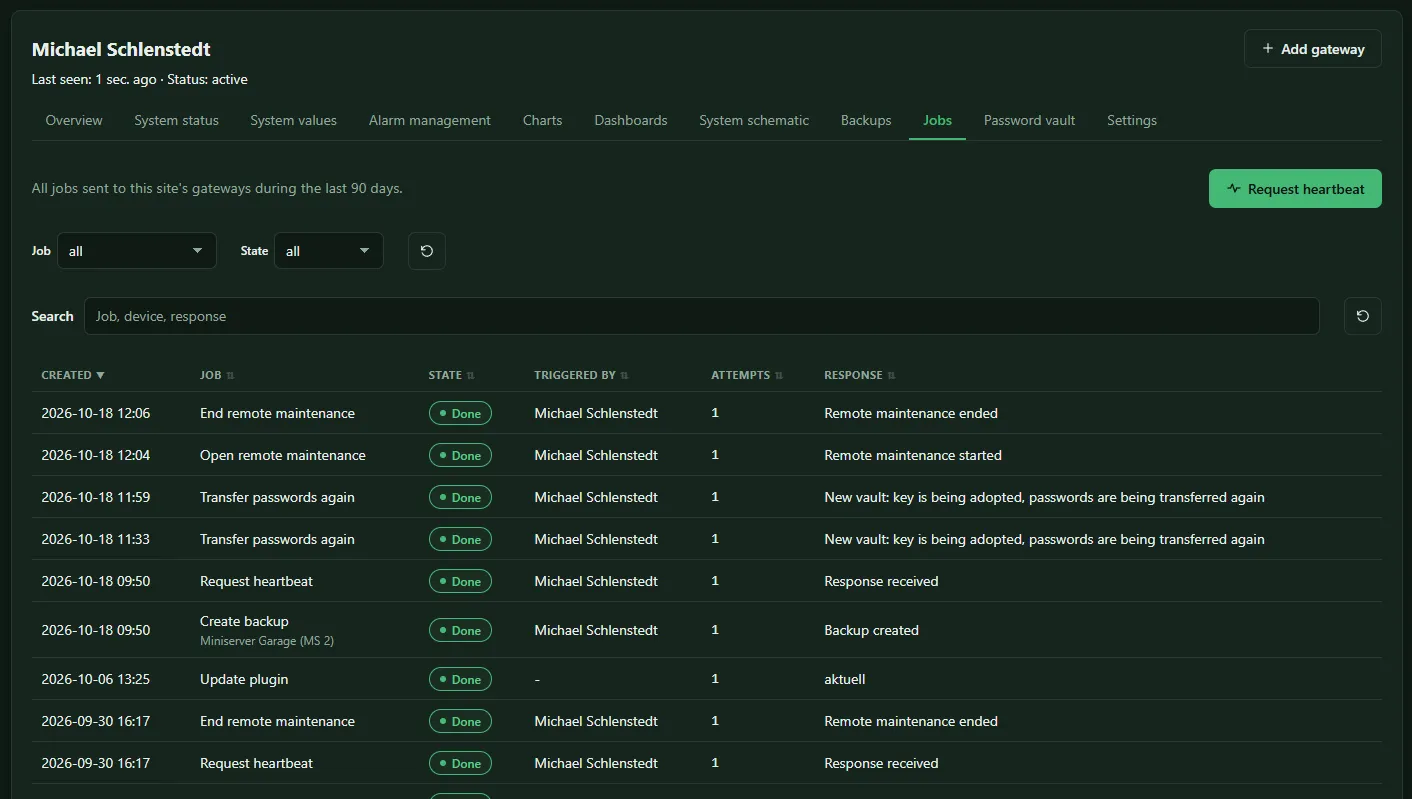
Section titled “The Jobs tab”On the site page, the Jobs tab shows every job sent to this site’s gateways, filterable by job and state:
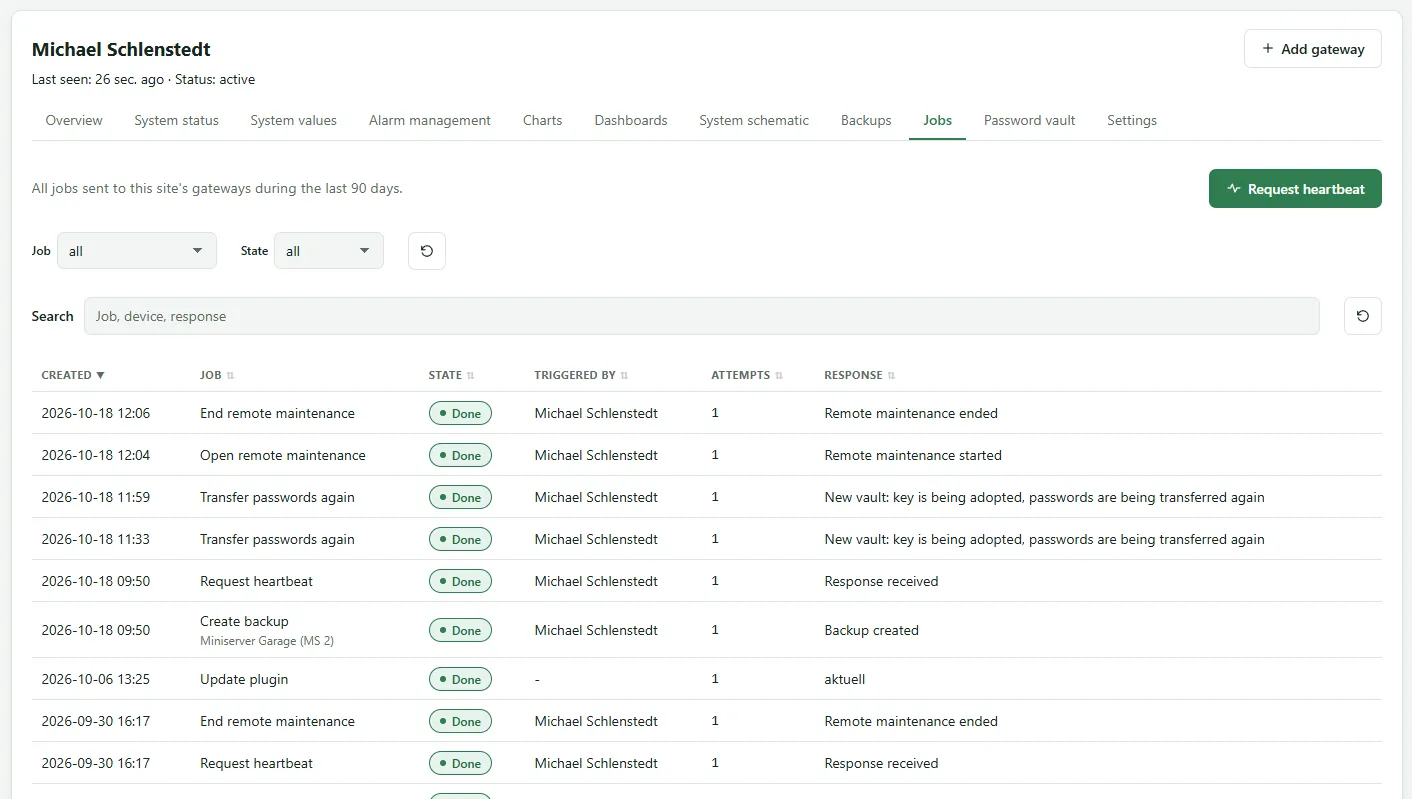
| Column | Content |
|---|---|
| Created | when you triggered it |
| Job | what, and for which device |
| State | see below |
| Triggered by | which user triggered it |
| Attempts | how often it was delivered |
| Response | the gateway’s response |
Clicking a row opens the details with the times Created, Picked up and Confirmed and the Gateway wording.
States
Section titled “States”| State | Meaning |
|---|---|
| Waiting | the gateway has not picked up the job yet. If no gateway currently transmits the Miniserver, Response shows: No gateway transmits this Miniserver. The job waits until one takes it over. |
| Delivered | picked up, the result is still pending |
| Done | carried out |
| Failed | not carried out, the response says why |
If the gateway does not confirm a job, it is delivered up to three times. After that it is set to Failed with the response Not confirmed after 3 delivery attempts
.
Which jobs exist
Section titled “Which jobs exist”| Job | Triggered by |
|---|---|
| Create backup | Backups tab |
| Open remote maintenance, End remote maintenance | Remote maintenance button |
| Fetch project file again | Project tab |
| Fetch value list | System values tab, Refresh button |
| Transfer passwords again | Manage password vault |
| Request heartbeat | button in the Jobs tab: checks whether the gateway responds |
The server also creates some jobs itself, for instance when the selection of system values changes.
All actions that trigger jobs need at least the role Administrator. Jobs are kept as long as events, see Event retention under Site settings.